
Free · in your browser
See the rhythm.
Say the count.
Build the connection between written rhythms and spoken subdivision counts through guided practice and short challenges.
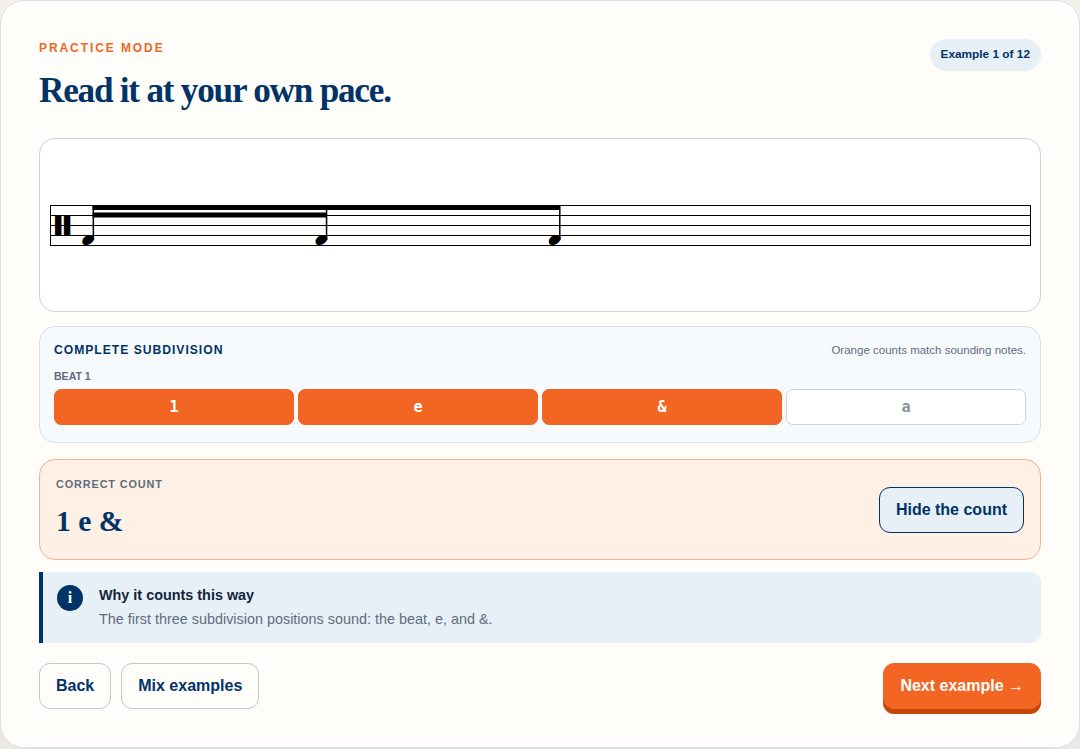
Beat 1
What it is
A counting trainer, not a quiz generator
Count It is a free rhythm-counting trainer for phones, tablets, and computers. It focuses on the connection between written rhythms and spoken subdivision counts — not just choosing the right answer.
Every rhythm comes from a verified catalog of sixteen one-beat cells, so the notation, the subdivision guide, the correct count, and the explanation all describe the same thing. Nothing is generated by guessing at a picture.
- Choose Practice or Challenge mode.
- Work through one of three cumulative levels.
- Read each rhythm and say the count before you check it.
- Use the feedback to repeat, improve, and build fluency.
See it in action
Real notation, live in the browser
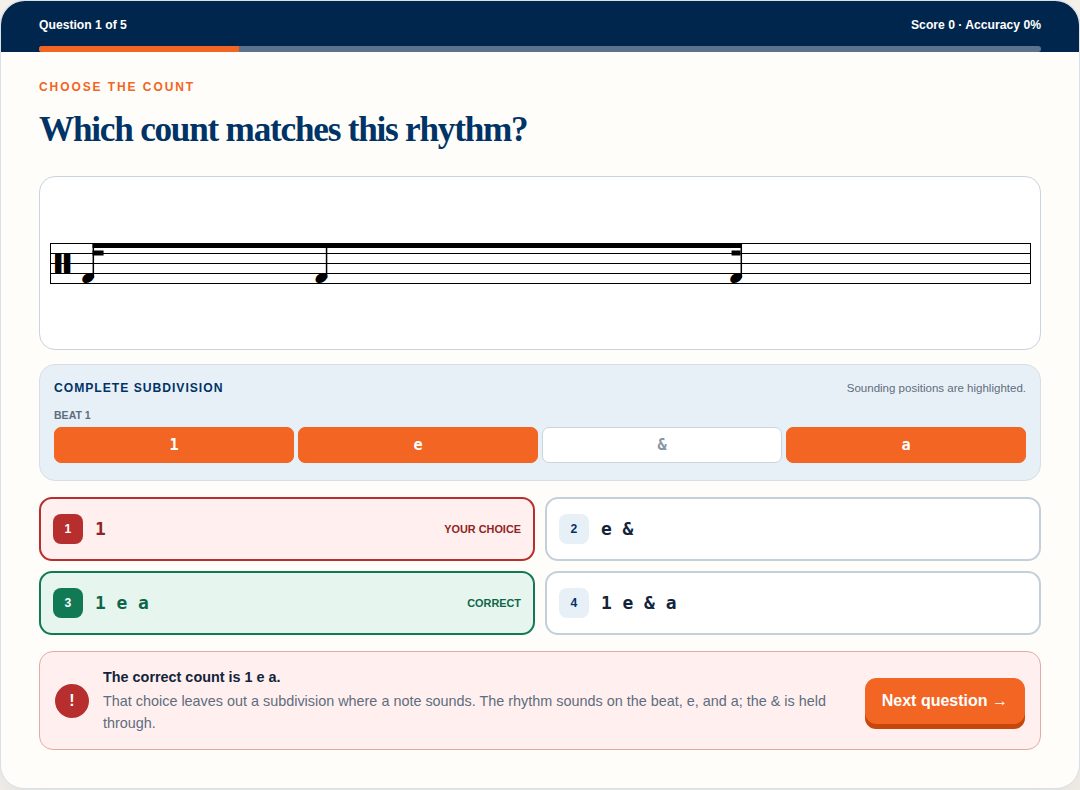
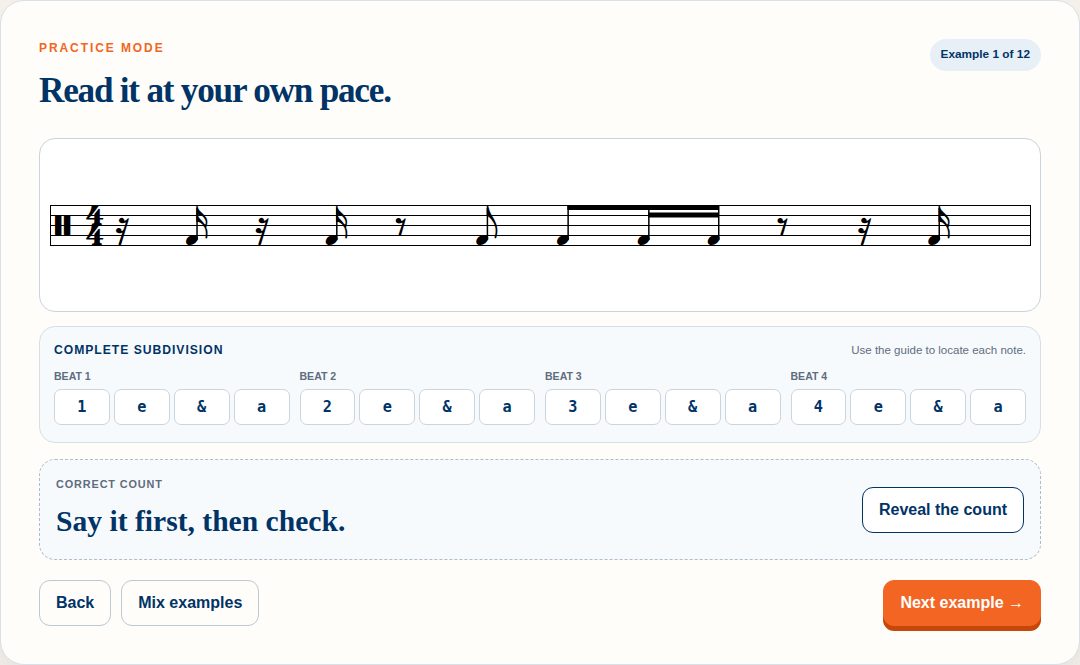
Practice and Challenge
Build it low-pressure. Then check it.
Guided, repeatable skill-building at your own pace — untimed and unscored, so a wrong guess costs nothing.
- Read the rendered rhythm and say the answer before revealing it
- Show or hide the complete 1 e & a subdivision guide
- Sounding positions highlight inside that guide
- Reveal the verified count and a short explanation
- Move back and forward, or mix the examples into a new order
A short check on fluency and accuracy — long enough to mean something, short enough to retry immediately.
- Four unique choices, exactly one correct, answered by click or by number key
- Immediate feedback with the correct answer revealed after an error
- Wrong answers name the misconception: an omitted sound, an added sound, a shifted subdivision, an &/e/a mix-up, or the wrong beat number
- Running score and accuracy, then a result card
- Retry the same set or start a newly randomized one
- No timer, no lives, no leaderboard, no penalty for trying again
Three cumulative levels
Each level keeps everything before it
Levels add vocabulary rather than replacing it, so earlier skills stay in circulation while new rhythms arrive. Every prompt can be a single beat or a complete 4/4 measure.
-
Level 1 — Pulse & pairs
The quarter note and two eighth notes. Where is the beat, and where is the &?
-
Level 2 — Eighth-note placement
Adds the beat and the & as independent sounding positions, including rhythms that begin with a rest.
-
Level 3 — Sixteenth-note cells
All sixteen verified cells: single notes on e or a, dotted eighth plus sixteenth, four sixteenths, and the common mixed and rest-first patterns.
Key features
Built for the band hall and the practice room
One mode to learn in and one to check in, sharing the same verified rhythms so nothing changes between them.
Quarter notes and paired eighths, independent eighth placement, then sixteenth and mixed cells.
Show the whole 1 e & a grid under every rhythm, or hide it once students can hold it in their heads.
Read a single cell, or a full 4/4 measure assembled from four verified cells with the beat numbers carried through.
Every control is a real button, tab, radio, or select with a visible focus ring.
Level, prompt size, guide preference, and personal bests are saved on the device. Nothing is uploaded.
Open the URL and start counting. No download, no install, no purchase, no student roster.
Separate Report a problem and Request a feature controls open a visible, editable message. Open it in a configured email app, or copy the details into webmail when a managed device has none.
Phone, tablet, Chromebook, desktop — and readable on the projector in the band hall.
Who it's for
Students, classrooms, and independent practice
Learning subdivision counting — where the beat, the e, the &, and the a actually fall.
Reinforcing rhythm-reading fluency, one verified cell at a time.
Looking for a quick classroom or lesson activity that projects cleanly and needs no setup.
Who want focused, repeatable practice without an account or a subscription.
Why it's different
Count It teaches the count — not the multiple choice
-
Practice before testing
Build understanding in Practice mode, then check fluency in Challenge mode. The order is the point.
-
Cumulative progression
Each level reinforces earlier skills while introducing new rhythms.
-
Focused feedback
Wrong answers are teaching data. Every incorrect choice belongs to a named misconception and gets explained, not just marked.
-
Verified rhythms
Notation, counts, and explanations all come from the same structured data, and no two answer choices can mean the same count.
-
Easy access
Free, account-free, and usable on phones, tablets, and computers.
Privacy, accessibility, and devices
Nothing leaves the browser
Preferences and personal bests live in local browser storage. No name, no email, no account, no analytics — clearing your browser data resets them.
Correct and incorrect states are carried by text and structure, not colour alone. Feedback is announced through a live status region, and the notation and subdivision guide carry descriptive labels.
Touch-friendly controls and layouts verified on phone, tablet, and desktop, with no audio-only step anywhere in the app.
Ready to count?
Open Count It — free, no signup. Need the details? The operating guide covers every mode, level, and control.