Build it gradually
Reveal one position at a time, focus the selected key, or show the complete classroom poster.
 Circle of FourthsBackwerd Rhythm Shop
Free classroom board
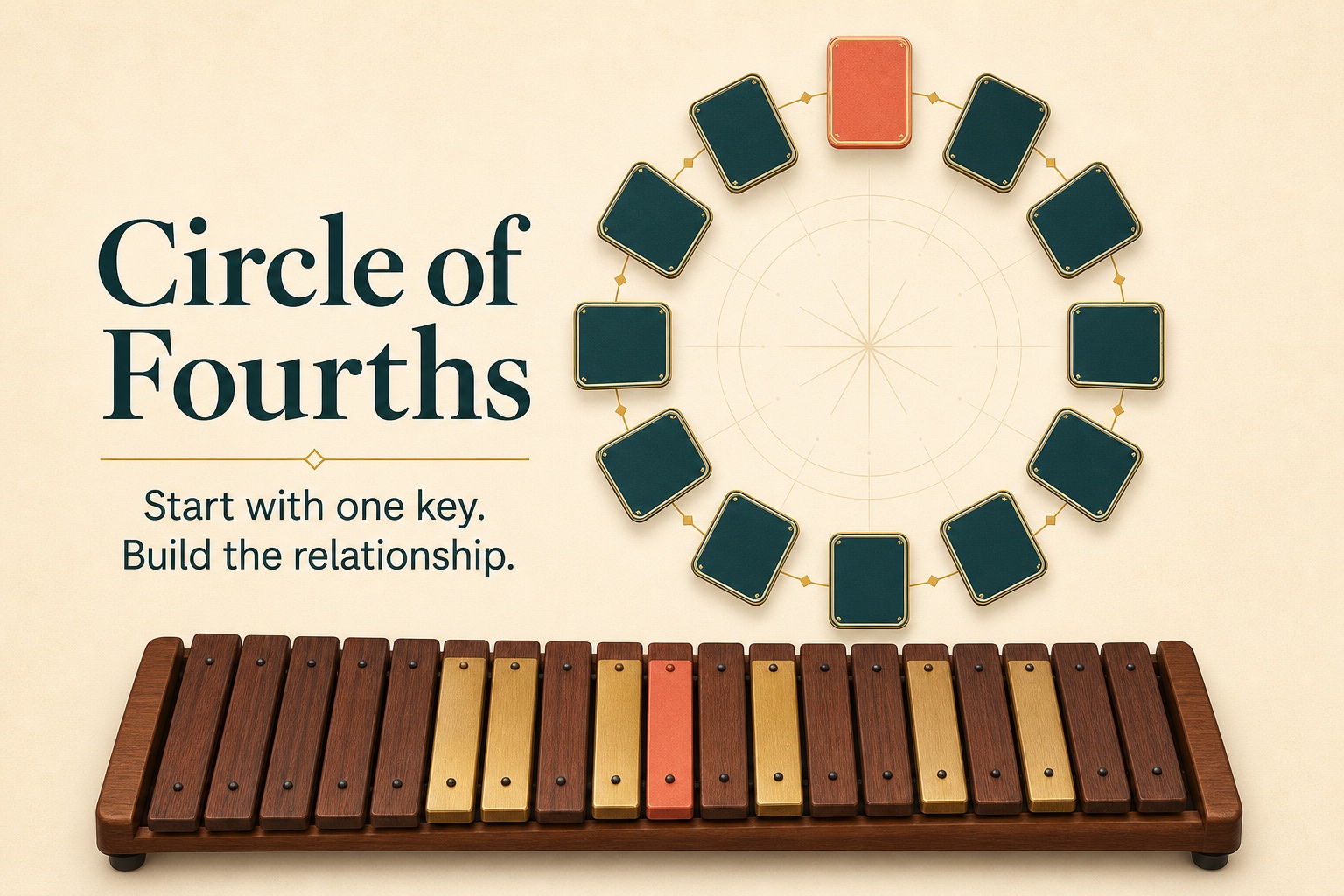
Start with one key. Build the relationship.
A projection-ready board for teaching major keys, key signatures, relative minors, and the same circle viewed as fourths or fifths.
Made for the room
Reveal one position at a time, focus the selected key, or show the complete classroom poster.
Switch between fourths and fifths without changing the underlying key relationships.
Add written signatures, accidental counts, relative minors, keyboard paths, and accidental order only when the lesson needs them.
Select a key and see its major scale on a piano or xylophone-style keyboard, with optional scale-degree roles.
Copy a lesson link that restores the board’s direction, mode, selected key, revealed positions, and visible layers.
Download US Letter, A4, and 11 × 17 posters, or turn the same material into student and answer-key quiz views.
One board, several uses
Use Build mode for a progressive explanation, Focus mode for one key, and Present for a clean full-screen board. The teacher controls the pacing; the app records no student data.
Keep the standard poster visible, print a focused board for a binder, or prepare a quiz that asks for key names, signatures, or accidental counts.
Start with one key, then let the relationships appear.