
Free keyboard percussion app
See the note. Find the bar.
Mallet Map helps students move from recognizing a written note to finding it on marimba, xylophone, vibraphone, or bells. Practice pitch location, octave placement, accidentals, and instrument ranges in a focused browser-based trainer.
Why it matters
Know where the notes live
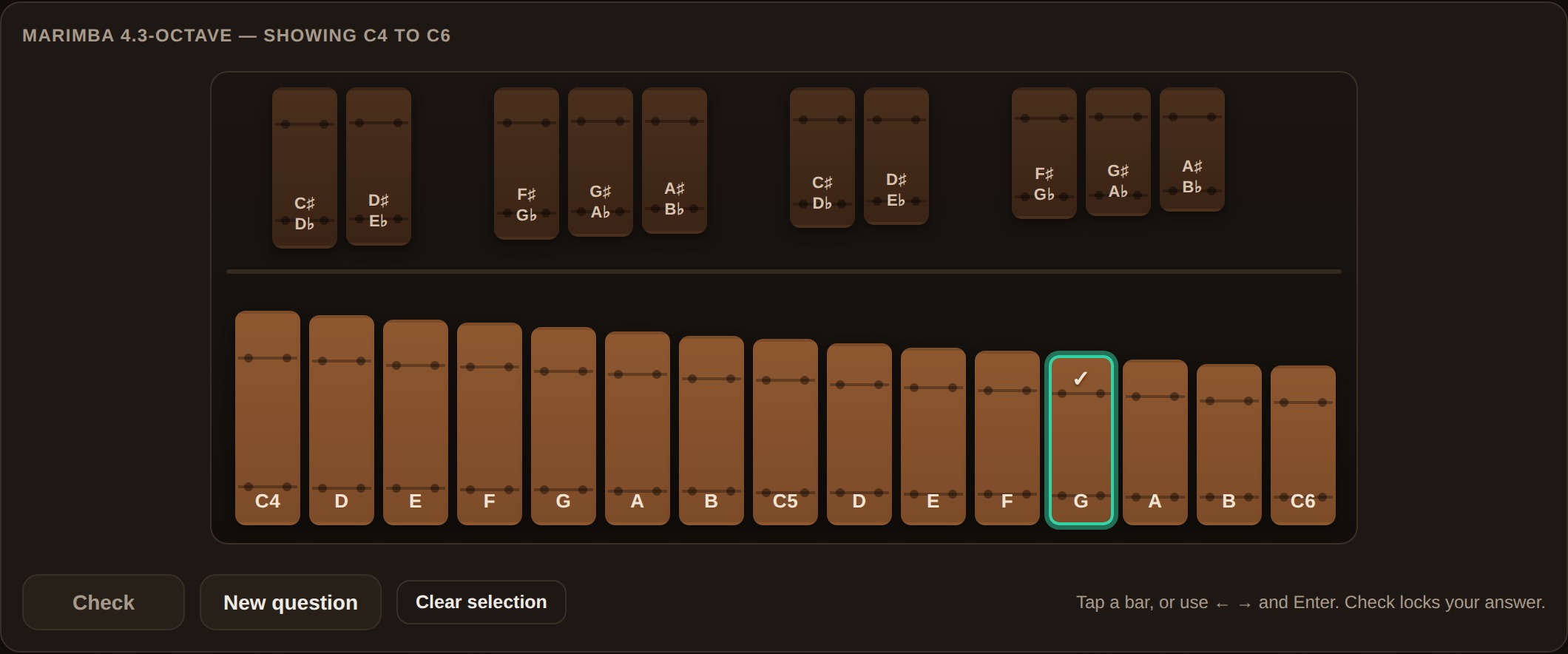
Reading the note is only the beginning. Percussionists also need to know where that pitch sits on the keyboard, which octave to use, and whether the instrument can play it.
Mallet Map connects notation to the physical geography of the instrument so students can build confidence before they play.
Question sets
Choose how to practice
Reading
Connect staff notation and written note names to physical bars.
Range
Practice instrument limits, registers, octaves, and playable notes.
Mixed
Combine reading and range questions for a broader review.
What students practice
Build keyboard confidence
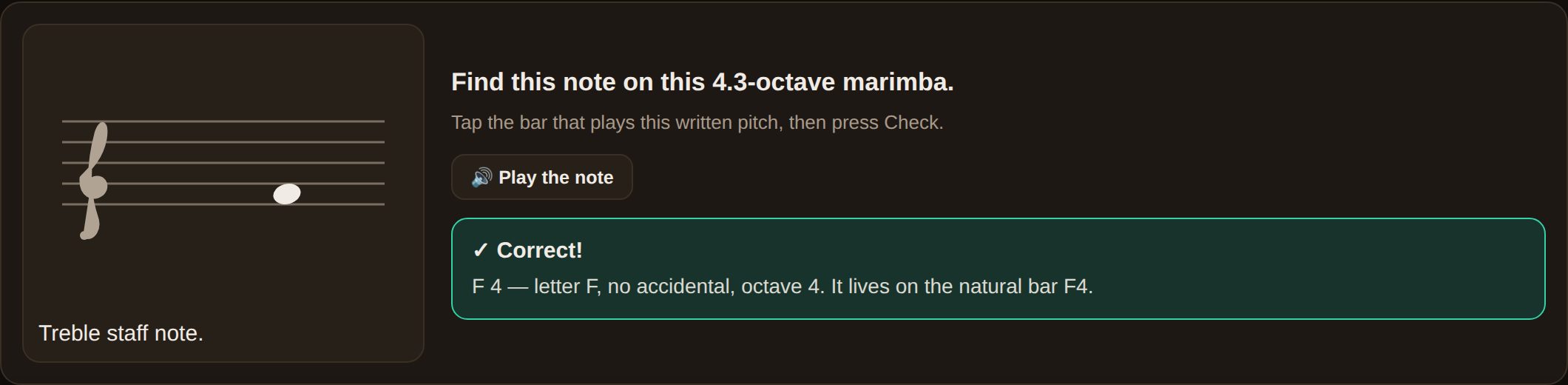
- Connect staff notation to physical bars
- Identify notes from highlighted bars
- Find pitches in the correct octave
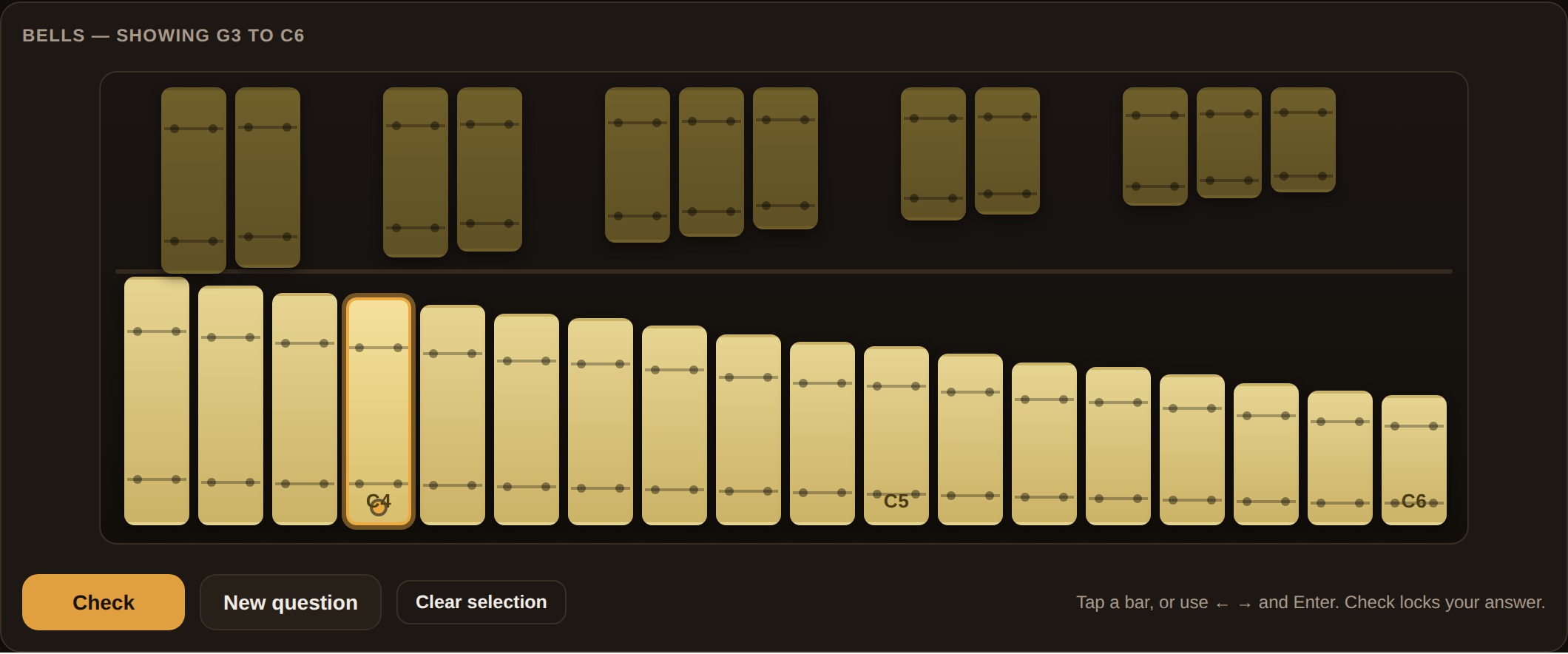
- Recognize playable instrument ranges
- Work with accidentals and enharmonic spellings
- Reduce labels and position markers as confidence grows
How it works
Start practicing in three steps
- Choose a setupSelect an instrument, note range, and question set.
- Adjust the supportsSet bar labels, accidentals, and the optional Middle C marker.
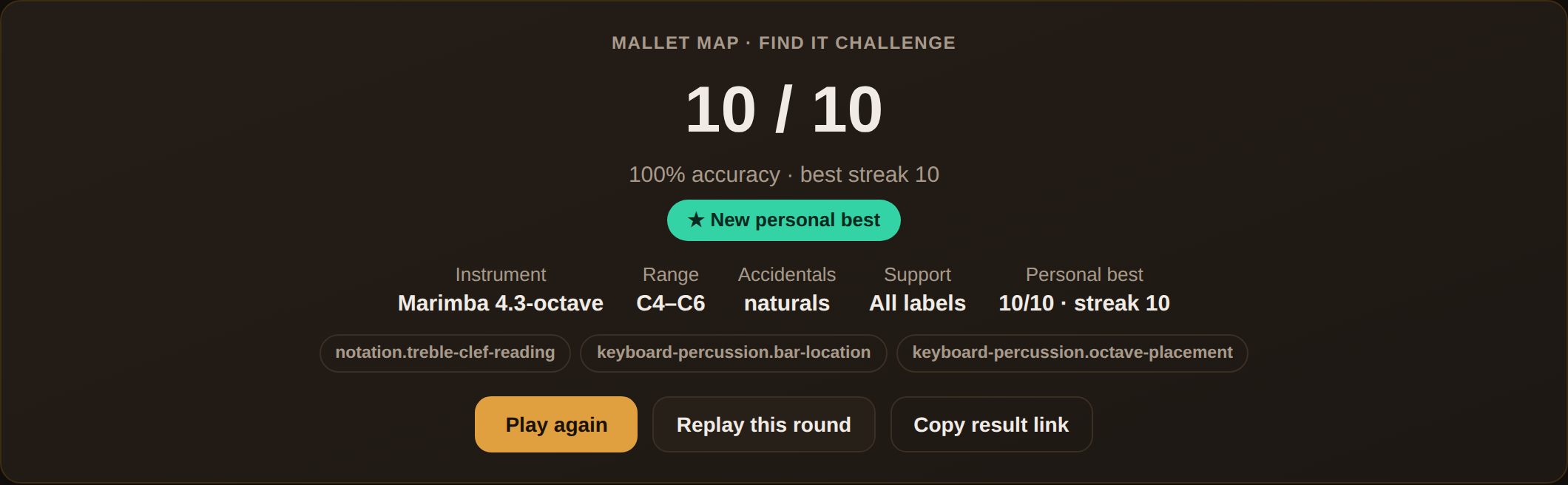
- Find the barAnswer questions, review feedback, and reuse the setup with a shared link.
Instruments
Practice on the right instrument
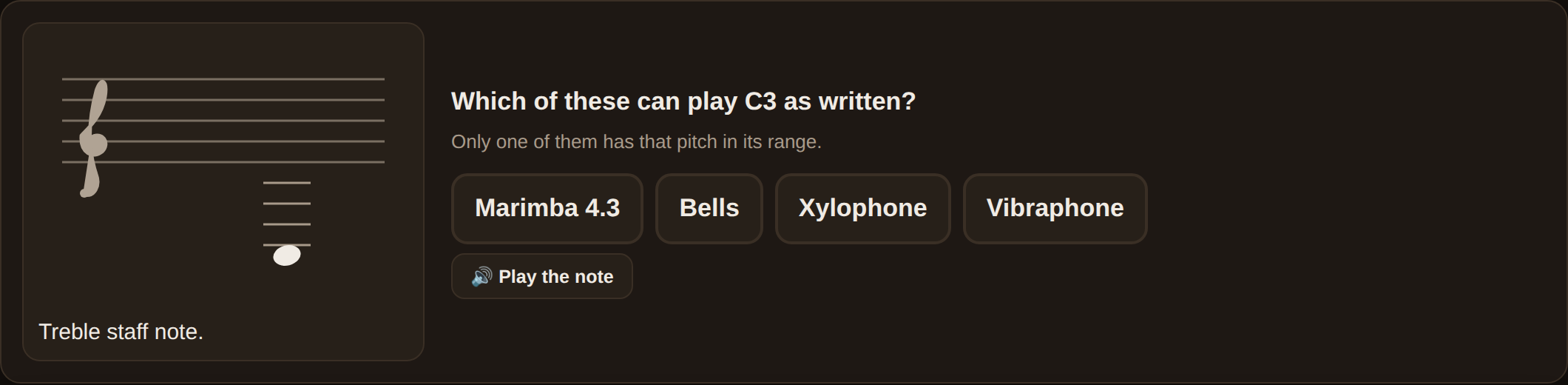
Mallet Map includes:
- Marimba
- Xylophone
- Vibraphone
- Bells / glockenspiel
- Adjustable note ranges
- Graduated labels and position markers
Detailed pitch conventions and instrument-range information belong in the Mallet Map Guide.
Who it is for
Ready for class or individual practice
For teachers
Project the app, demonstrate a setup, or share a configured link with students.
For students
Practice independently on a computer, tablet, or phone without creating an account.
How it fits the app family
Three tools, one learning path
Mallet Map
Student orientation: Get comfortable finding notes on the instrument.
You are hereMallet Board demonstrates. Mallet Map builds comfort. Scale Trail builds keys.
Privacy
Private by design
Mallet Map requires no account and does not transmit student-performance data. Preferences and personal bests stay in the browser and can be reset on the device.
Find your way around the keyboard
See the note. Understand the instrument. Find the bar.