
Free percussion timing-grid app
Build, project, and share exact timing-grid exercises.
The right grid. Right now.
Grid Board gives percussion teachers and students a large, playable classroom view for verified sixteenth-note and triplet timing grids—without redrawing the board or digging through a packet.
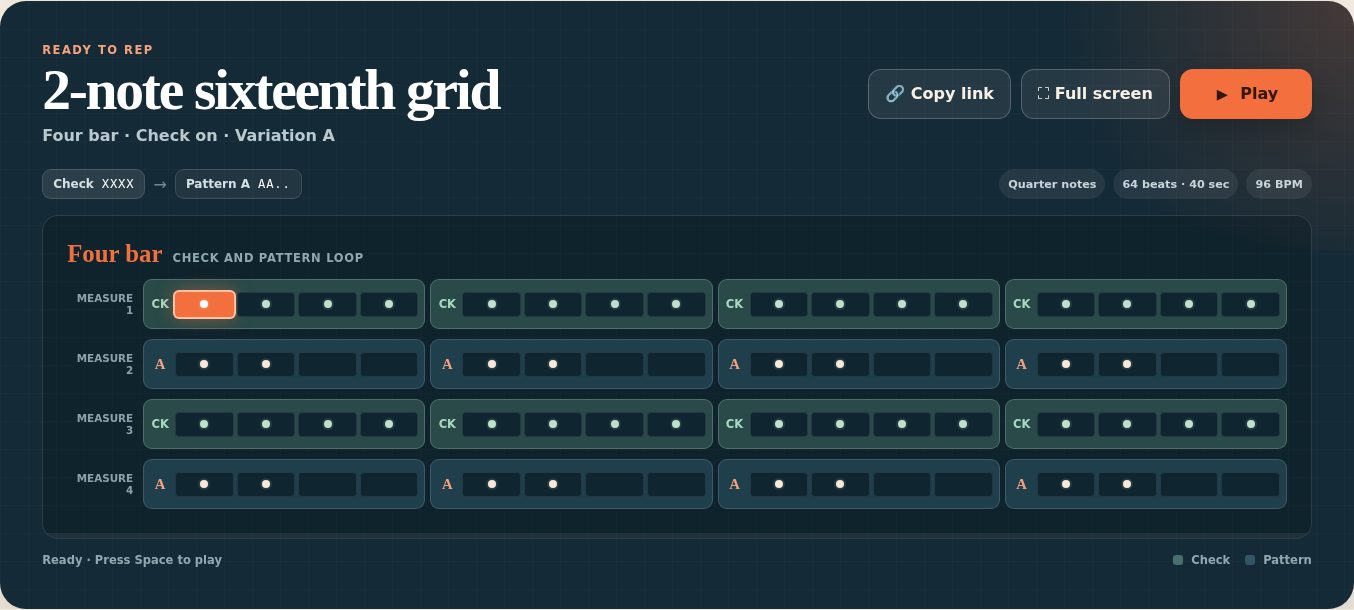
See it in action
The real board, on the projector
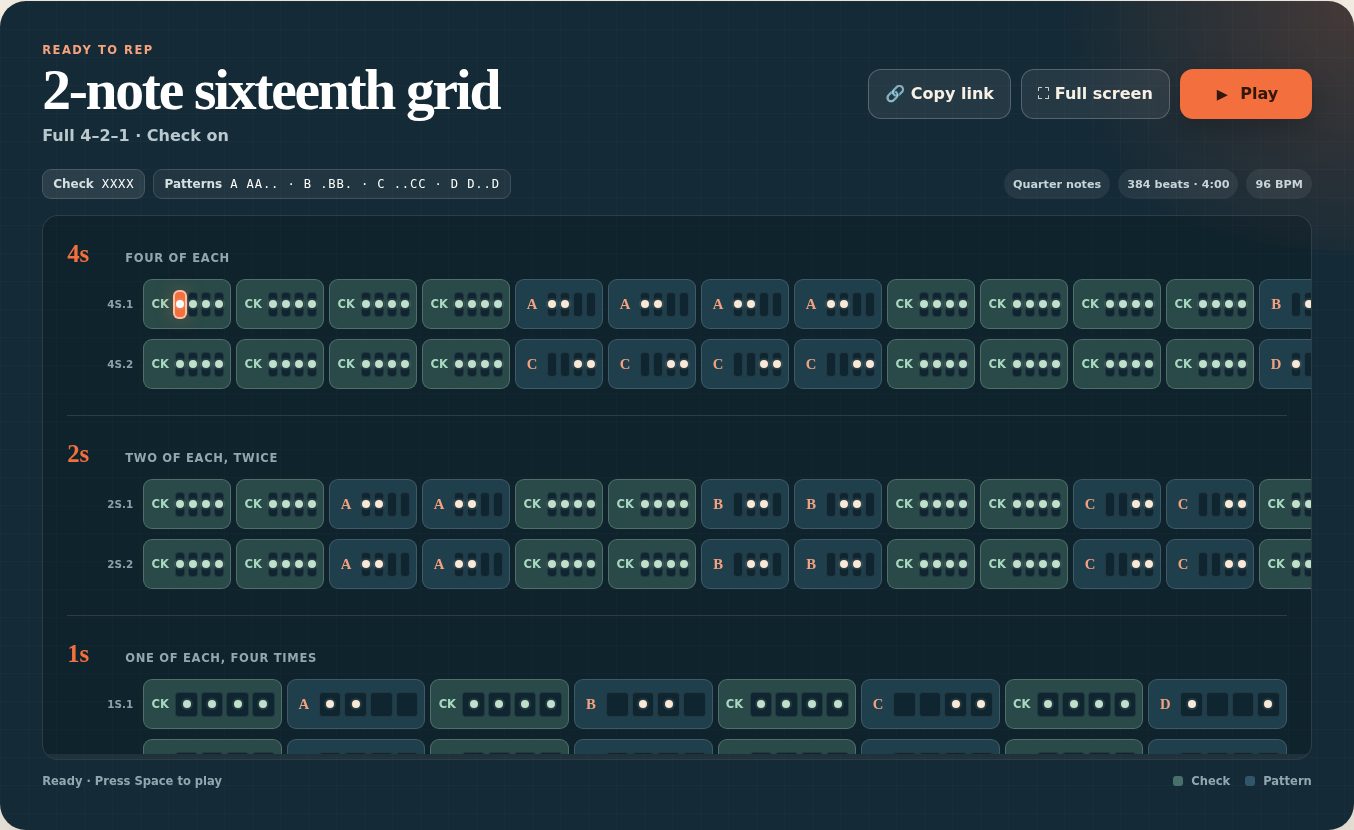
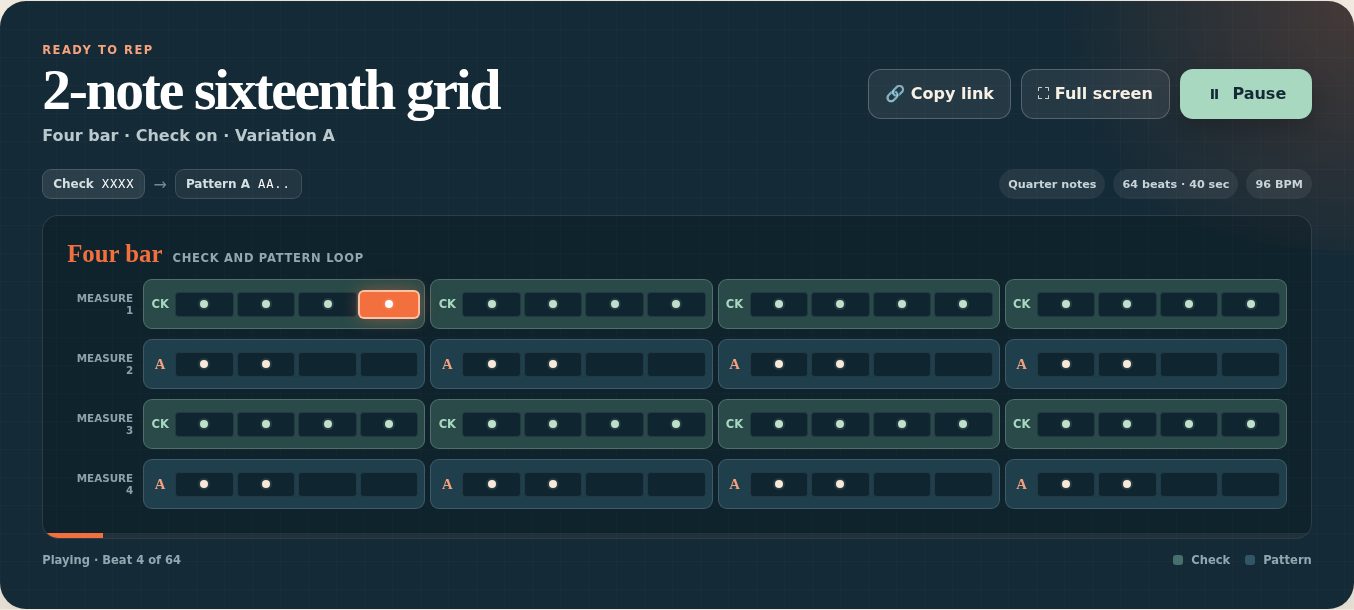
What you can build
Built for the band hall projector
Choose the grid family, then how many positions are played: one, two, or three attacks per beat on sixteenths, one or two on triplets.
Pick the variation and pattern order, write the grid as quarters, eighths, or full subdivision, and turn the Check on for a full-subdivision reference.
Run a four-bar rep or the full 4–2–1 climb, with live highlighting and an audio click reference as the form plays.
Hide the setup panel for a clean projector view. If native fullscreen is unavailable, a board-focused fallback takes its place.
Copy link reproduces the grid, played positions, variation, pattern order, written rate, check setting, form, and tempo — no account or cloud record required.
Save a rep you use often under a name, then load, rename, delete, or copy its link in one press. A preset and a link are the same rep described two ways.
Open a slow–fast–slow climb to the board's tempo, named for the grid, so the section can work the same rep up to speed.
Report a problem and Request a feature open a visible message with app, build, page, and browser details, plus Copy details for a managed device with no email app set up.
Classroom trust points
Nothing to sign into, nothing collected
- No account, no recordsNo install, no student profile, and no classroom record. Grid Board runs client-side.
- Presets stay where you saved themThey live in that browser, not an account. Links are how a rep moves between devices.
- Accessible operationKeyboard operation, visible focus, and reduced-motion support throughout.
- Forever freeResponsive projector, tablet, phone, and board-only layouts — free and account-free.
How it fits the app family
Grid Board holds the grid; Tempo Ladder holds the tempo
Grid Board presents and cycles timing grids — it is not an assessment tool. Tempo Ladder organizes tempo; it does not render or store the grid. Only the exercise name and tempo intent pass between them.
Projector-first timing grids, forms, presets, and shareable exercises.
You are hereA slow–fast–slow climb to a target tempo. Grid Board can open one named for the rep on the board.
Open Tempo Ladder →A metronome that shows the rhythm — subdivisions, patterns, counting, and sticking.
See Pulse Pocket →Put the grid on the board
Open Grid Board — free, no account, nothing to install. Need a walkthrough? The guide covers every control, form, preset, and share link.