
Free keyboard percussion scale trainer
Scale Trail
Build the key. Learn the path.
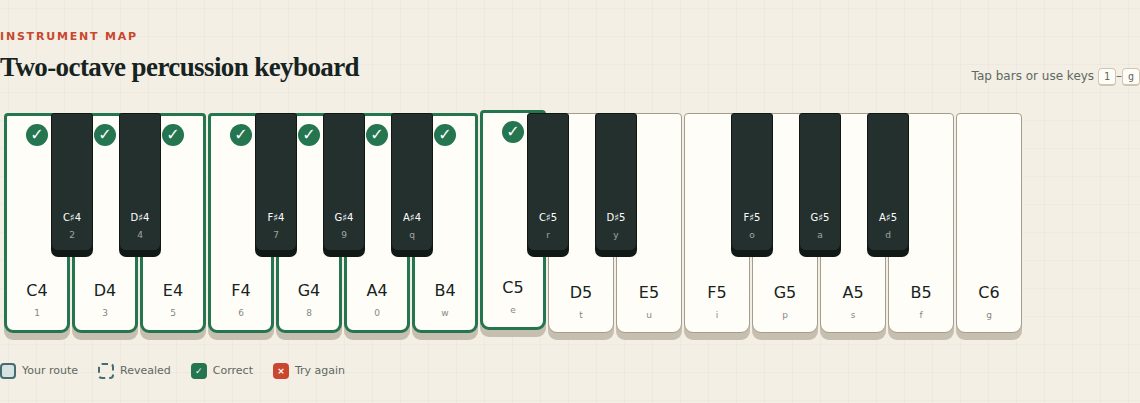
A free scale trainer for keyboard percussionists that turns a key signature into a physical route across the bars.
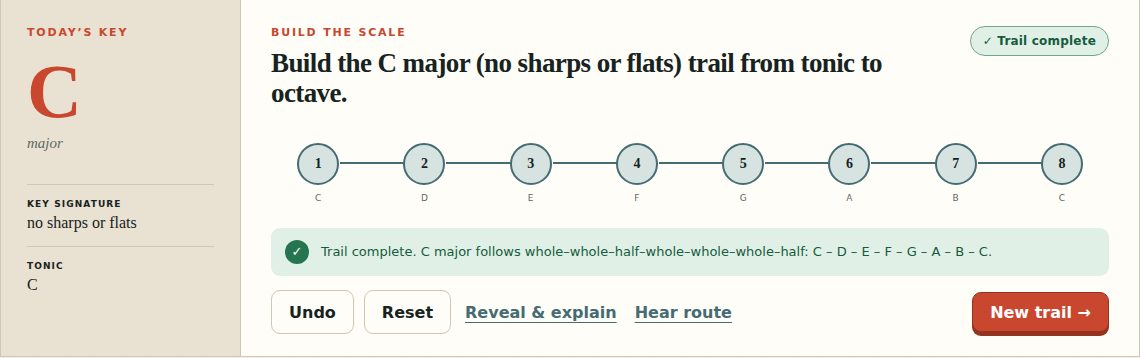
Build the C major trail from tonic to octave.
Why students need it
Close the gap between the page and the bars
Knowing how many sharps or flats are in a key does not mean a student can find that scale on the instrument. Scale Trail closes the gap between spelling a key on paper and walking it on the bars.
See it in action
One route at a time, on any device
What you can practice
Four ways to work a key
Build the Scale: walk all eight degrees from tonic to octave, in order, on the bars.
Missing Step: the route is drawn with one degree left blank, and the student supplies it.
Wrong Turn: one note has left the key, and the student taps the bar that puts the route back.
Degree Hunt: name the bar that is degree 5 of B-flat major — the skill behind reading and transposing.
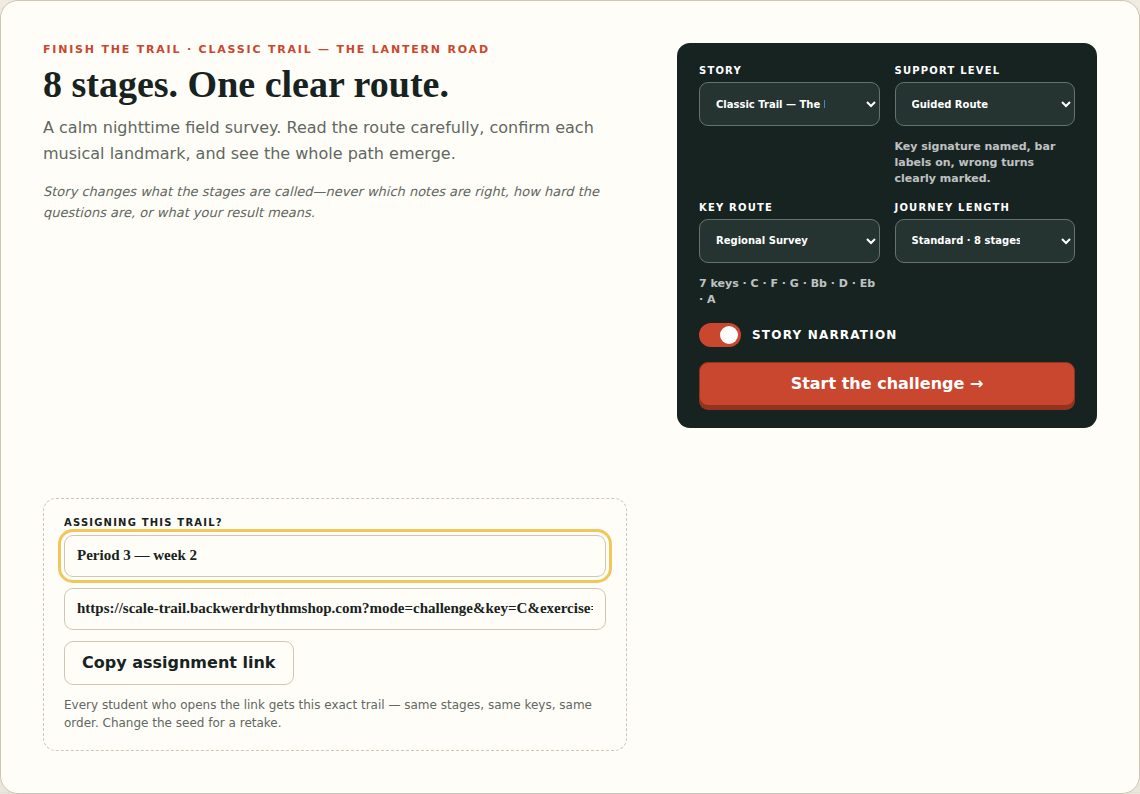
Five, eight, or twelve stages through Classic Trail, Ocean Odyssey, or Medieval Quest. Story changes what the stages are called — never which notes are right.
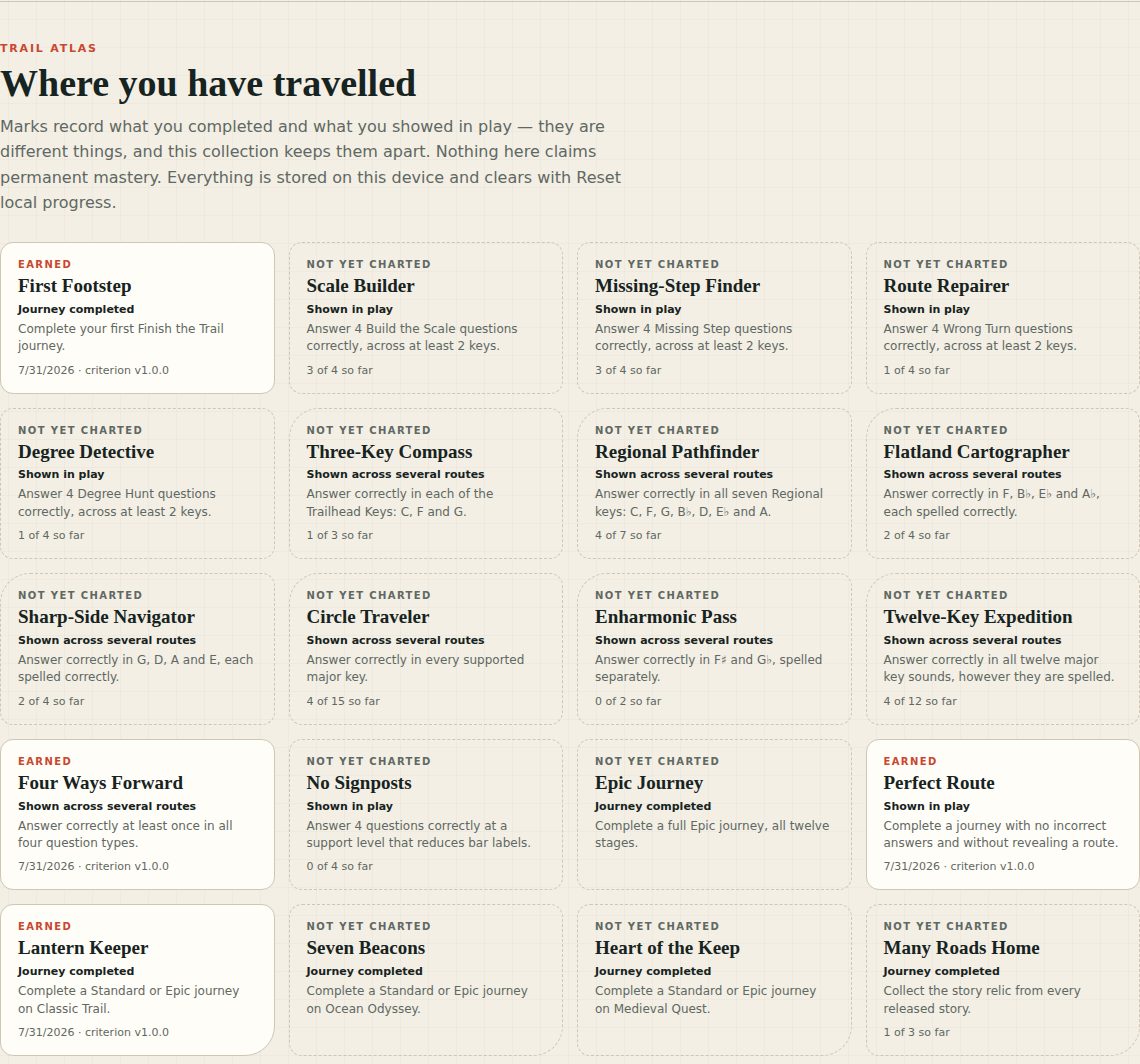
Guided Route, Independent Wayfinding, and Transfer & Spelling change how much the board tells you. Key routes run from three keys to all twelve. Reveal explains a route without ending practice, and the Atlas records what has been traveled on this device.
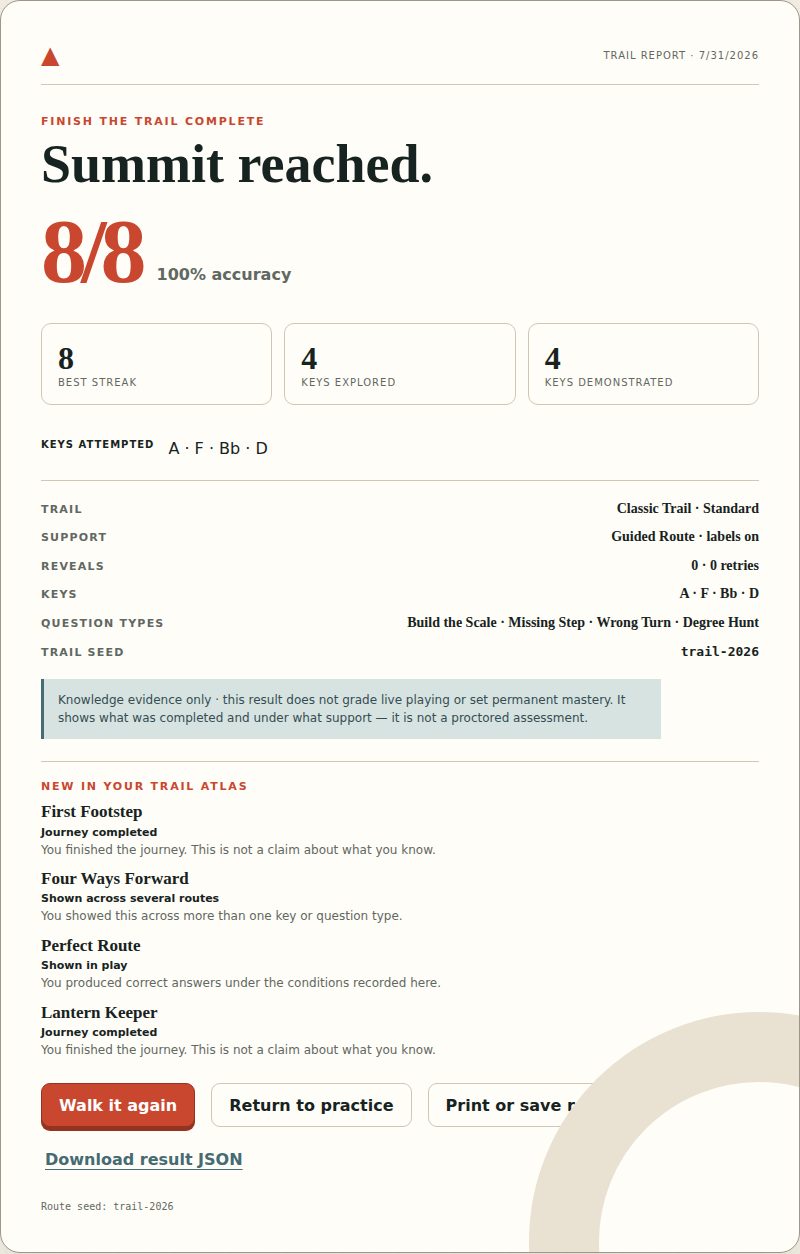
Every student who opens an assignment link gets the same trail — same stages, same keys, same order. The report names the support level, reveals, retries, and the seed it came from.
Best for
Where it earns its place
- Beginning and intermediate keyboard percussionists
- Students preparing scale pass-offs and region auditions
- Directors assigning independent scale practice
- Phones, tablets, Chromebooks, and shared lab devices
How it fits the app family
Scale Trail is the student scale trainer
Mallet Board is the teacher display for the same material, and its “Practice this in Scale Trail” button hands a setup straight here — with a link back that restores the teacher’s display. Mallet Map handles staff-note reading and note-to-bar geography.
Student scale practice, seeded journeys, and assignable trails.
You are hereThe band hall teacher display for the same material, with a two-way handoff to Scale Trail.
Open Mallet Board →Staff-note reading and note-to-bar geography.
Open Mallet Map →Honest boundary
What Scale Trail does not do
Scale Trail scores knowledge only. It does not listen to a student play and does not grade tone, sticking, motion, tempo, or live performance.
For teachers
A teaching sequence is ready to assign
Teaching Sequence · 8 steps · Free
Major Keys — C, Then Band Flats
C as the on-ramp, then the keys your band actually plays. Eight ready-to-assign trails, each with a pinned seed and a stated support level, so every student runs the round you set. Steps 2–4 line up with the Bronze scale-club keys.
Build the key. Learn the path.
Open Scale Trail — free, no account, nothing to install. Need a walkthrough? The guide covers every mode, support level, and key route.